
Chapter 2 of 7
Set priorities people can find
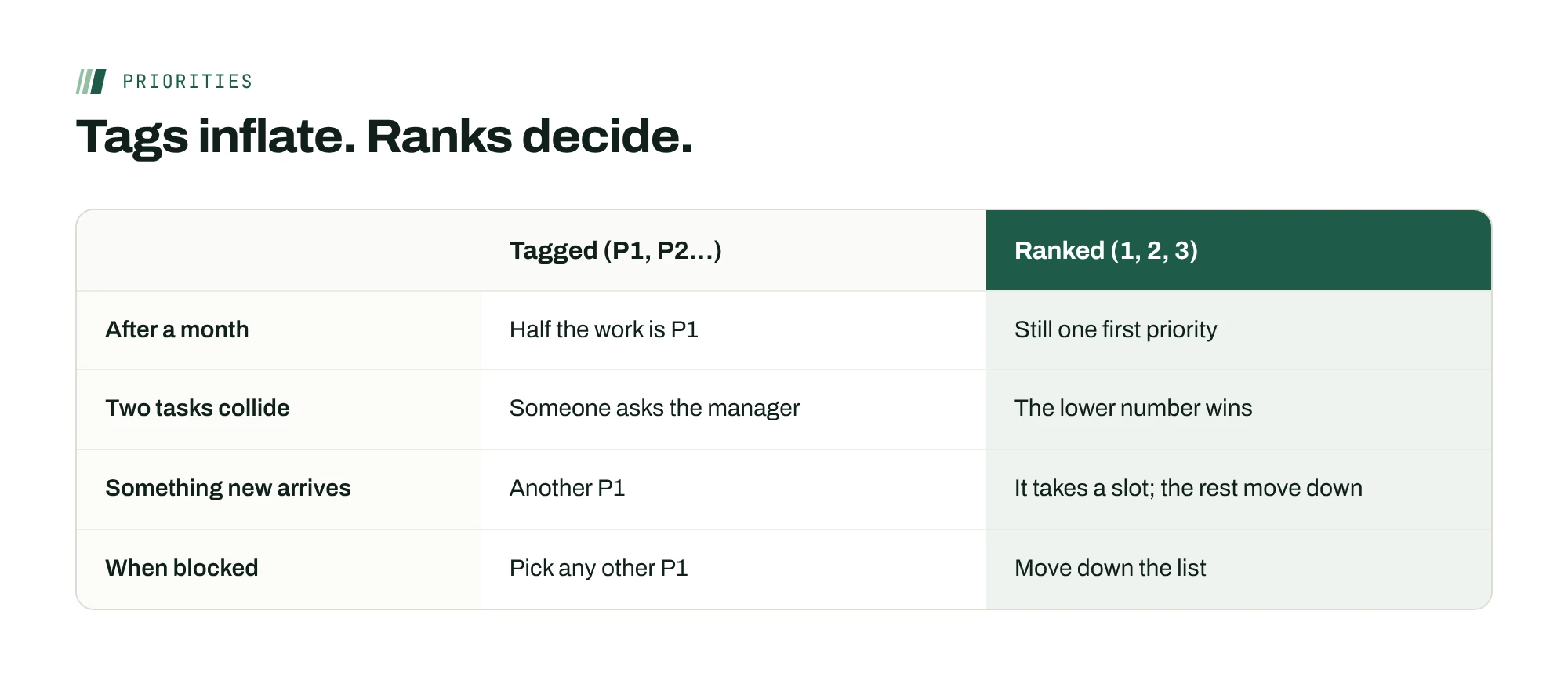
Rank the work, post it once a week, and say what isn’t happening. Tags inflate. Ranks decide.

Rank, don’t tag
When everything is marked high priority, nothing is. Labels drift upward because each one feels urgent to whoever set it, and nobody has to choose. A rank forces the trade-off: only one thing can be first.
On a remote team, the cost of an unclear order lands on the person doing the work, usually when you’re asleep. In Slingshot’s survey of 305 U.S. employees, 34% said they guess at what matters most when they aren’t given priorities. In a Reclaim.ai survey of more than 2,000 professionals, people reported spending 10.8% of their week recovering and catching up after having to reprioritize. Both surveys come from software vendors and are self-reported, but the pattern matches what most remote managers see.
Post the order once a week
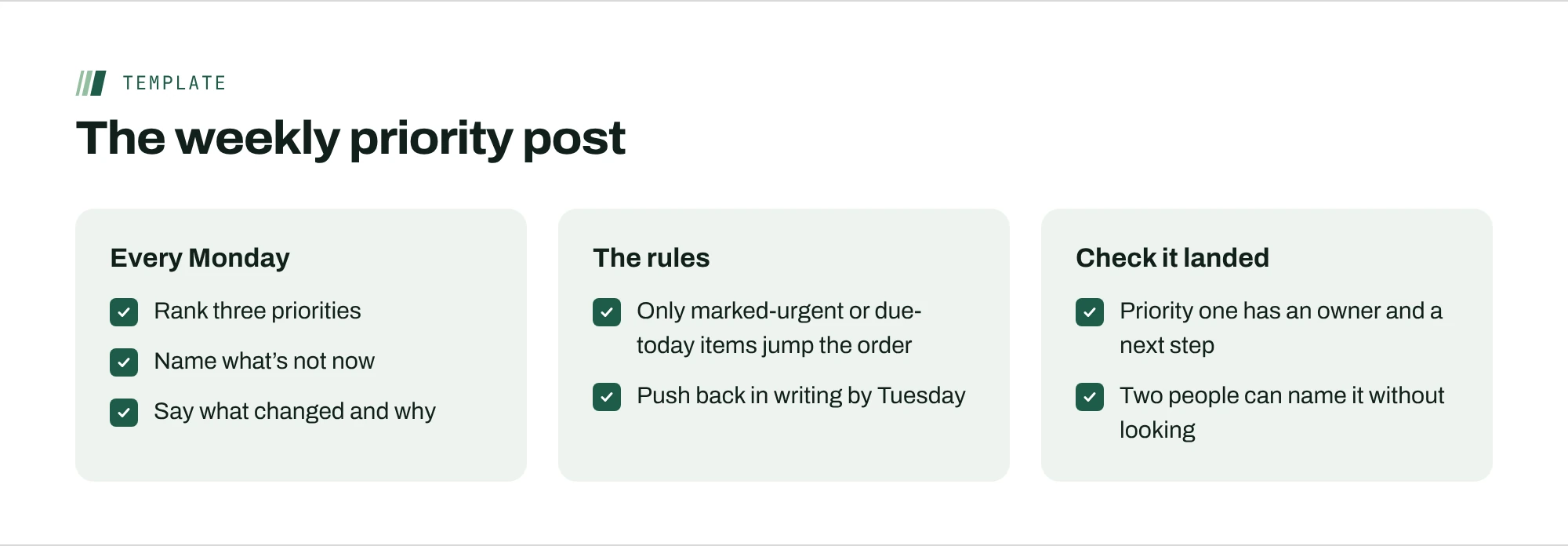
The fix is a short written post, published at the same time every week, at the start of the earliest time zone’s day. It answers the same five questions in the same order:
- Ranked priorities. Three at most, in order. If two are tied, you haven’t decided yet.
- Not now. The work people will be tempted to start, named so they don’t have to ask.
- What changed. One line on anything that moved since last week, and why.
- The exception rule. What can jump the order before the next post. Keep it narrow: marked urgent by a manager, or due today.
- How to push back. A deadline and a place to disagree in writing.
Pin it where the work lives, not in a chat thread that scrolls away by Wednesday.
Break ties with the cost of waiting
When two priorities feel equal, ask which one gets more expensive the longer it waits. A renewal that lapses in three weeks costs more each day it slips. A help-center redesign costs about the same whether it starts this month or next. Rank the one with the rising cost first, and say so in the post. People can check that reasoning for themselves, so fewer questions come back to you midweek.
One person, one ranked list
On remote teams, people often report to one manager and take work from another. If both publish a ranked list, the person is back to guessing. Settle it with one rule: each person has one ranked list, owned by one manager. Other managers request work through that list, and its owner decides where it lands.
Check that it landed
Writing priorities down isn’t the same as people knowing them. Two quick tests: the top priority has a named owner and a written next step, and two people in different time zones can name it without looking. If either test fails, the post is too long or too hard to find.
Go deeper on the blog
Sources
- 2023 Digital Work Trends Report, Part 2Slingshot (sells work-management software)
- Task Management Trends Report (March 29, 2022)Reclaim.ai (sells scheduling software)
- U.S. Employee Engagement Below 30% for First Time in 15 Years (October 28, 2026)Gallup
